> ## Documentation Index
> Fetch the complete documentation index at: https://docs.rovelo.app/llms.txt
> Use this file to discover all available pages before exploring further.
# Onboarding
> A quick and easy guide to start using Rovelo.
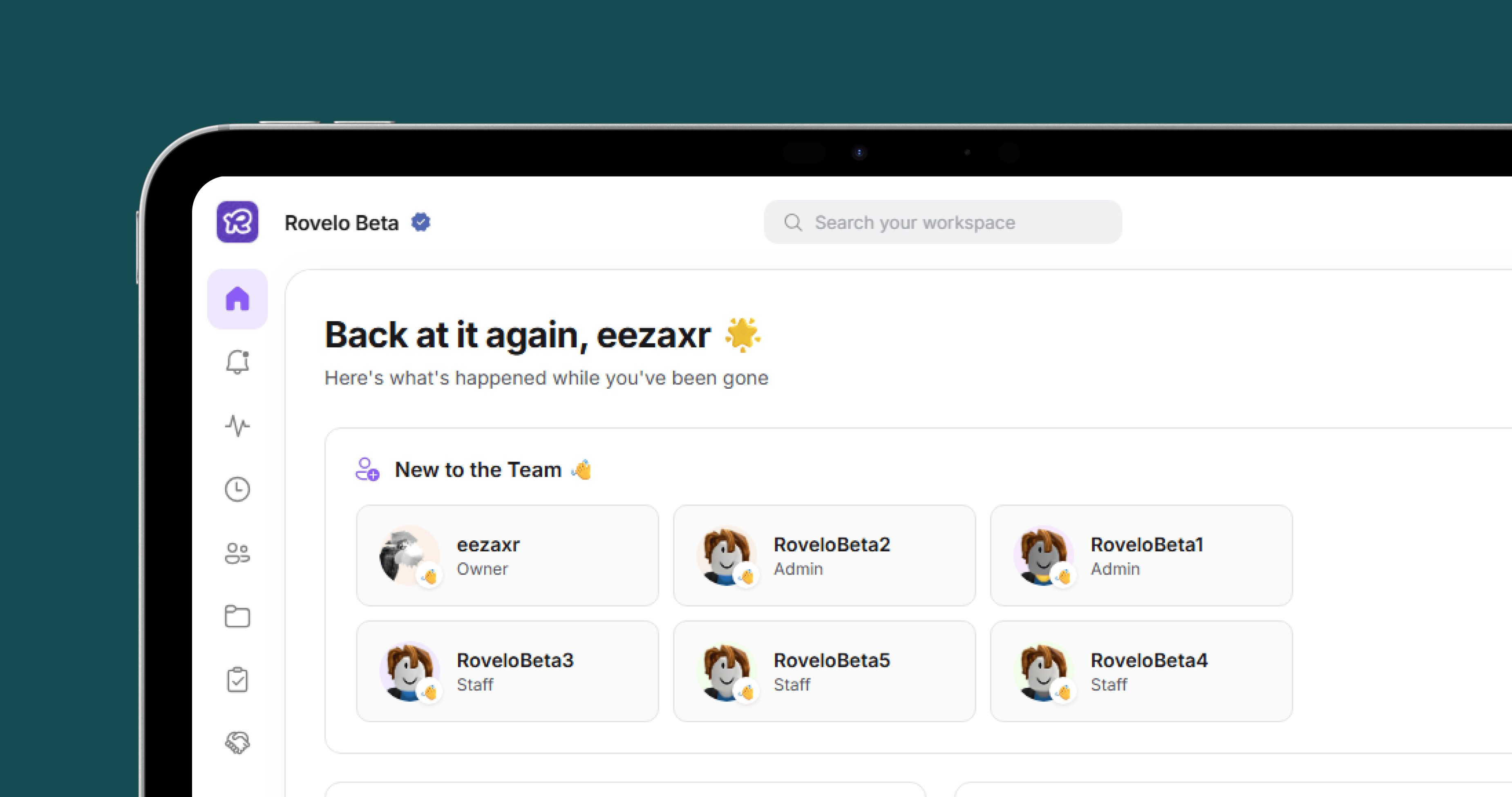 Go to our [dashboard website](https://dashboard.rovelo.app) and select "Create Workspace", then you should enter your Group ID and your brands primary colour. It will then ask you to enter your username, and proceed with the verification process. Please note you must be ranked a role 10 or above to create a workspace for that group.
To give your staff access to the workspace, locate the sidebar, and press the settings icon. Find your way to "Permissions" there you can assign, edit and remove permissions for your staff roles and staff members.
Go to our [dashboard website](https://dashboard.rovelo.app) and select "Create Workspace", then you should enter your Group ID and your brands primary colour. It will then ask you to enter your username, and proceed with the verification process. Please note you must be ranked a role 10 or above to create a workspace for that group.
To give your staff access to the workspace, locate the sidebar, and press the settings icon. Find your way to "Permissions" there you can assign, edit and remove permissions for your staff roles and staff members.